










If you use an AirTag to keep track of keys, bags, or even a pet collar, battery life is usually not something you think about — until it suddenly runs low. So how long does an AirTag battery really last, and what should you know when it’s time to replace it?

How Long Does an AirTag Battery Last?
Apple estimates that an AirTag battery lasts about one year under normal use.
This is based on typical daily location updates and regular use with the Find My app.
In everyday use, battery life can vary depending on:
- How often the AirTag updates its location
- How frequently Precision Finding is used
- Environmental conditions such as temperature
- Whether the AirTag is attached to something that moves often (keys, bags, pets) or stays mostly in one place
For most users, replacing the battery about once a year is a practical guideline.

What Affects AirTag Battery Life?
Certain habits can shorten battery life:
- Constant movement, such as on a pet or frequently used bag
- Repeated sound alerts to locate the AirTag
- Heavy use of Precision Finding
- Exposure to extreme heat or cold
If your AirTag is attached to an item that moves throughout the day, it may need a new battery sooner than one year.

How to Replace an AirTag Battery
AirTags do not use rechargeable batteries. They run on a standard CR2032 coin cell battery, which is easy to find.
To replace the battery:
- Press down on the stainless steel back of the AirTag
- Twist it counterclockwise
- emove the old battery
- Insert a new CR2032 battery with the positive side facing up
- Twist the cover back into place until it clicks
Once replaced, the AirTag will automatically reconnect to your iPhone.

Using AirTags with Everyday Accessories
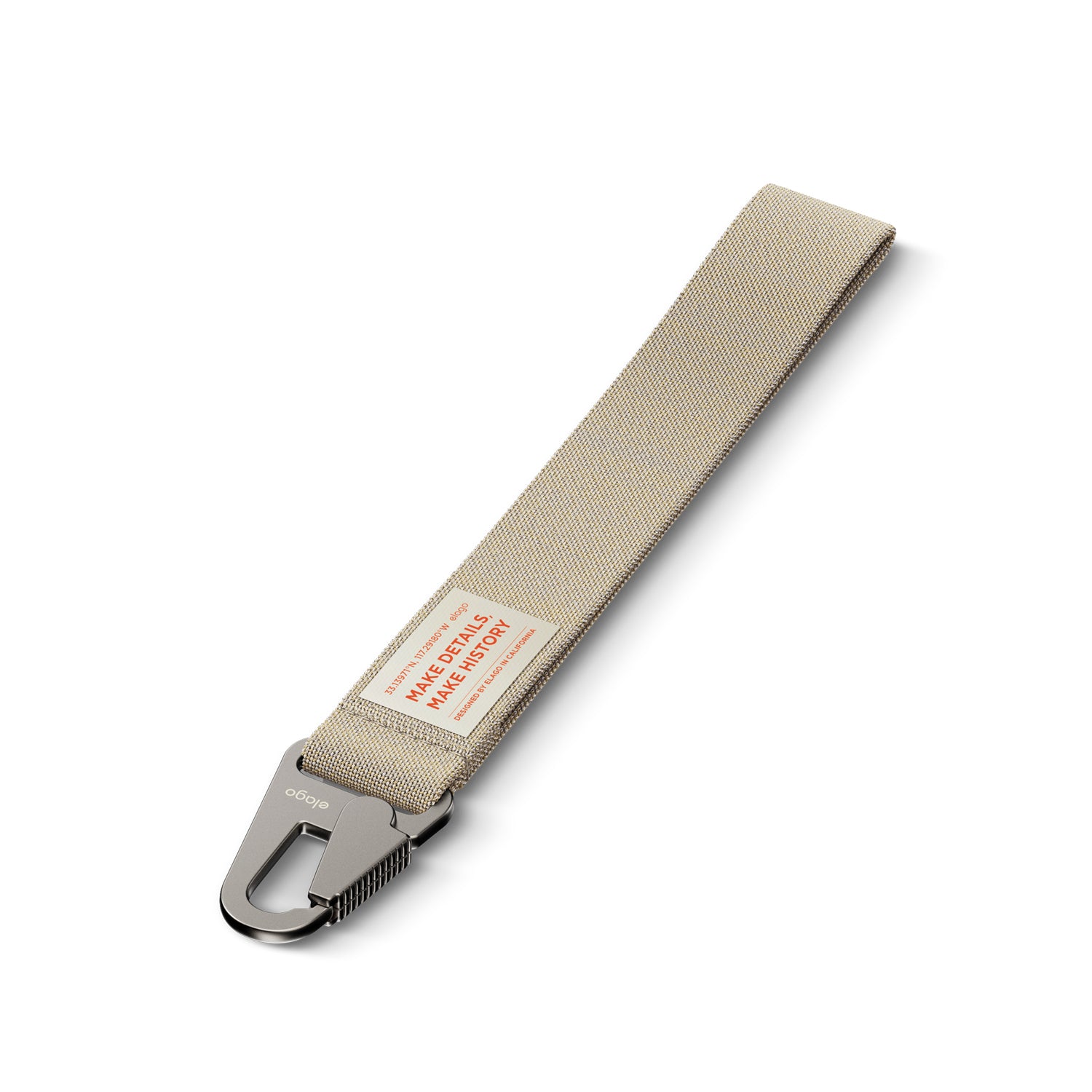
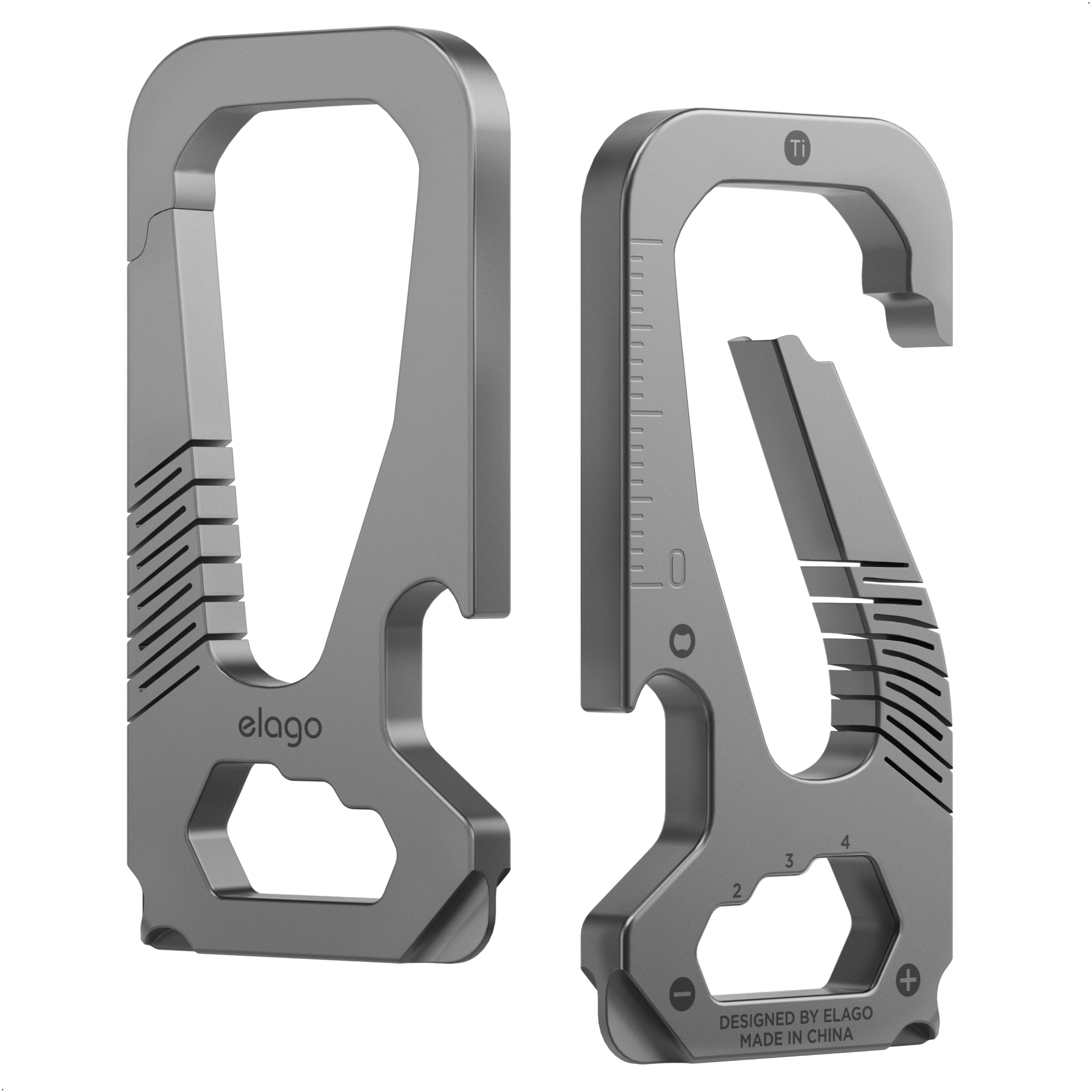
Many people use AirTags with key rings, bag charms, or pet collars.
When an AirTag is placed inside a holder or case, a few things become especially important:
- The AirTag should stay securely attached
- The wireless signal and sound should not be blocked
- Removing and reinserting the AirTag for battery replacement should be simple
Since the AirTag must be taken out of its holder to change the battery, the design of the accessory matters. A well-designed holder makes this process quick and easy, rather than frustrating over time.
Some AirTag accessories, such as those from elago, are made for everyday use, allowing the AirTag to be removed and reinserted repeatedly without damaging either the device or the case.